
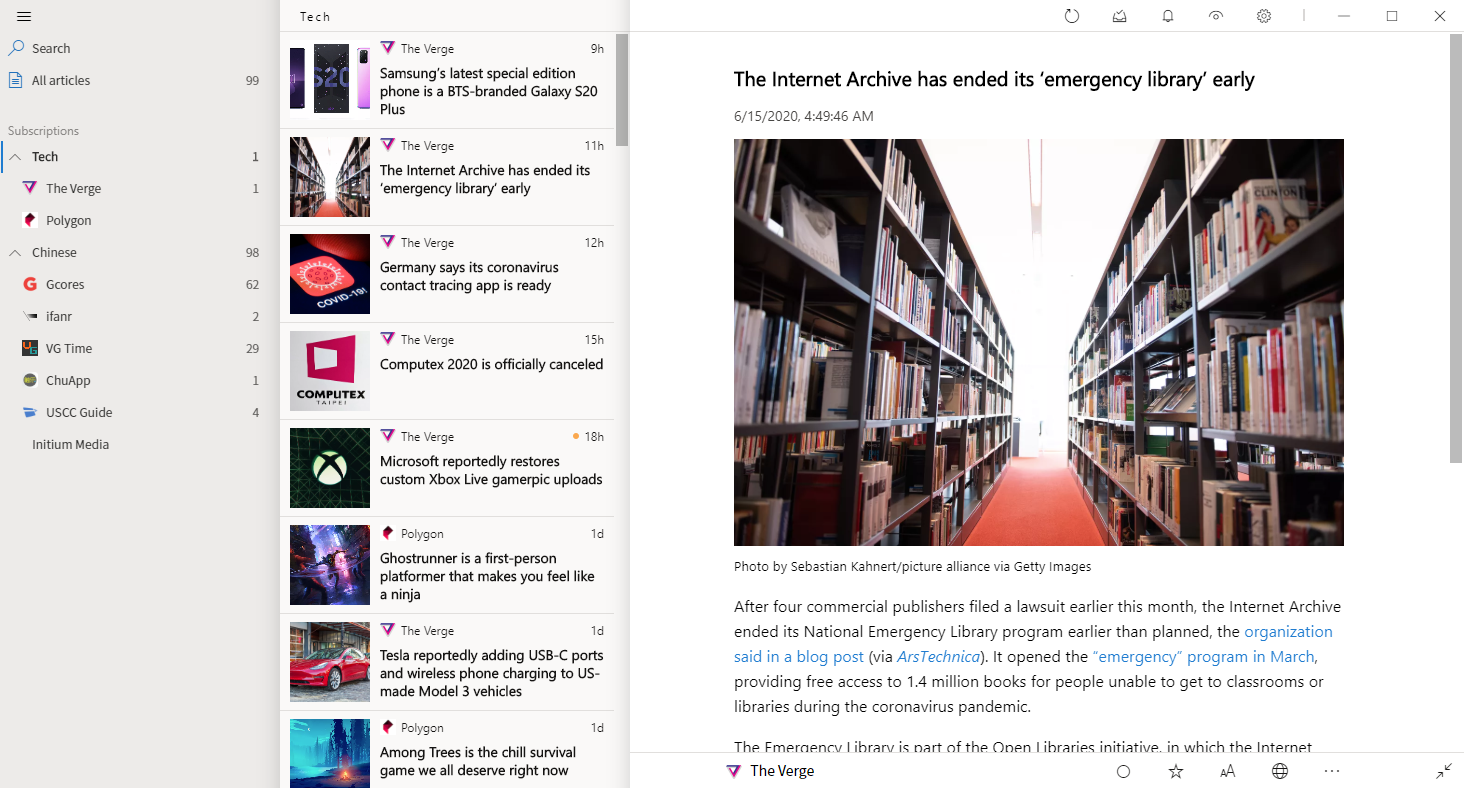
Fluent Reader is a local, cross-platform news aggregator with a fresh look. Bring all your favorite sources with you and read distraction-free.
Scroll down and locate . Tap it, select Disable , and then click Force Stop . Step 4: Finalize the Bypass Loop
Furthermore, Bypassing Factory Reset Protection on a lost or stolen device violates terms of service and legal regulations. If you bought a used device and are stuck on this screen, the safest and most ethical route is to contact the original seller and ask them to remotely remove the device from their Google account dashboard ( ://google.com ). Troubleshooting Common Android 12 Issues
On the locked phone, open via GSMNeo and restore those apps.
: The user types in the GSMNeo address to access the shortcut menu. The Redirection : The user selects the Open Settings anchor. gsmneo frp android 12 install
Google frequently patches security vulnerabilities. You may need to try alternative paths within the GSMNeo portal if the first attempt fails. Step-by-Step Guide: GSMNeo FRP Android 12 Method
Connect the phone to a PC and use a basic FRP tool to click "Remove FRP via ADB." Step 4: Complete the Setup Wizard
Some Android 12 methods require a backup phone to send account data via cloud restoration features. Scroll down and locate
Disabling core system apps like Google Play Services can cause intermittent boot loops, UI crashes, or persistent system errors. A clean factory reset from inside the settings menu is highly recommended once access is restored.
Do you have access to a , or do you need a "No PC" method?
: Open the application on your PC. It typically identifies your device model automatically. Bypass Command If you bought a used device and are
GSMNeo is a specialized toolset and online repository designed to assist users in bypassing Google account verification (FRP) after a factory reset. It works by providing access to device settings, allowing the user to add a new Google account and remove the old one.
GSMNeo FRP is a popular, free online directory that hosts direct shortcuts to Android system settings, hidden menus, and essential bypass APK files. Instead of forcing users to download risky software or use complex computer scripts, GSMNeo simplifies the process. By accessing their mobile-optimized portal, you can jump straight into your locked phone's internal settings to disable the Google lock. Why Android 12 Requires a Specific Approach
To provide the most accurate method, could you confirm the and whether it is a Samsung ? Device locked due to Google FRP - Honeywell Support Portal
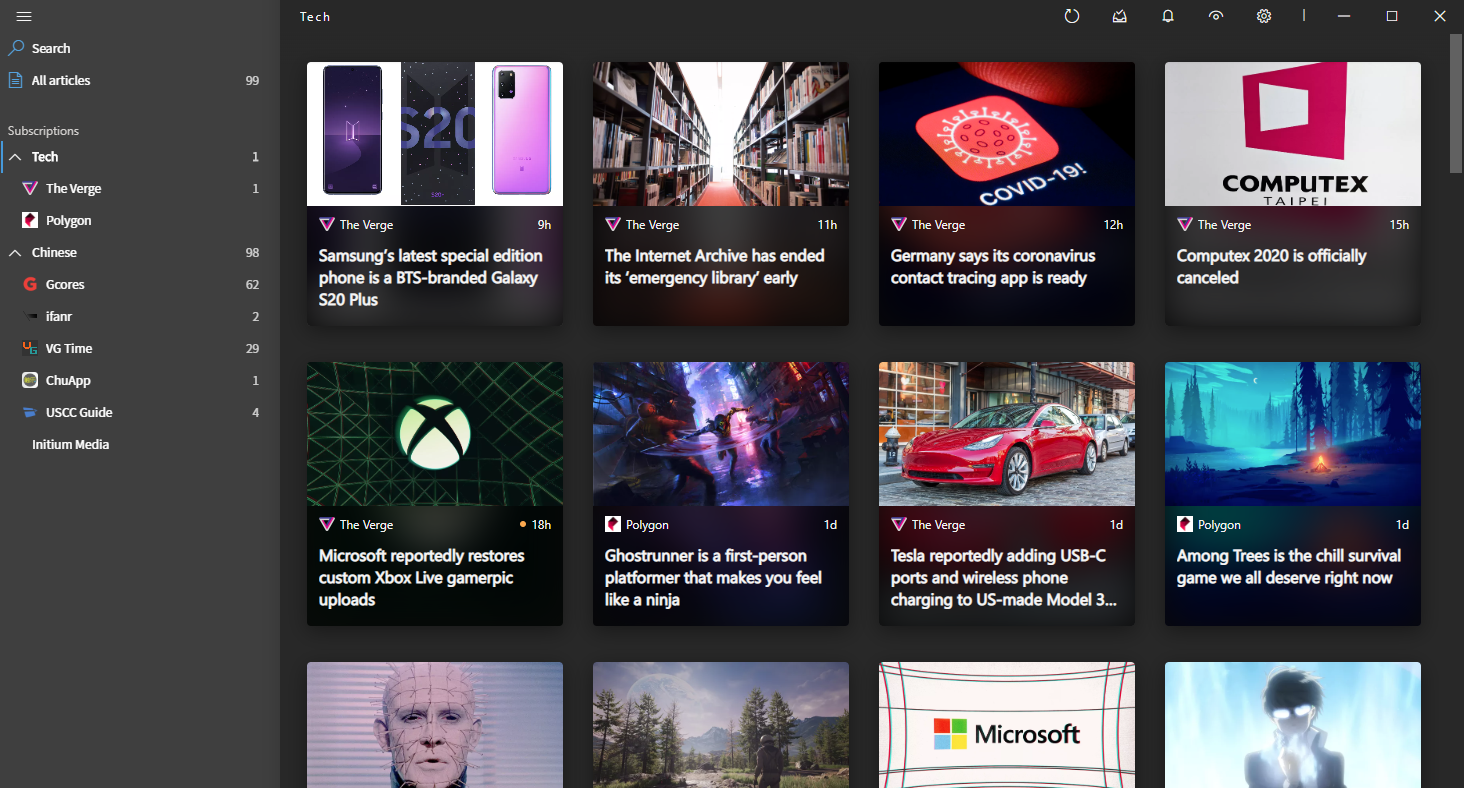
Full system-level dark mode support for both UI and reading.